Event tickets for Shopify
Sell tickets. Check in guests with a phone.
EventTix turns your events into Shopify products, emails every buyer a QR ticket, and lets your door staff scan tickets in a phone browser. Check-in keeps working when the signal drops. No app download needed.
Plans and pricing are on the App Store listing.
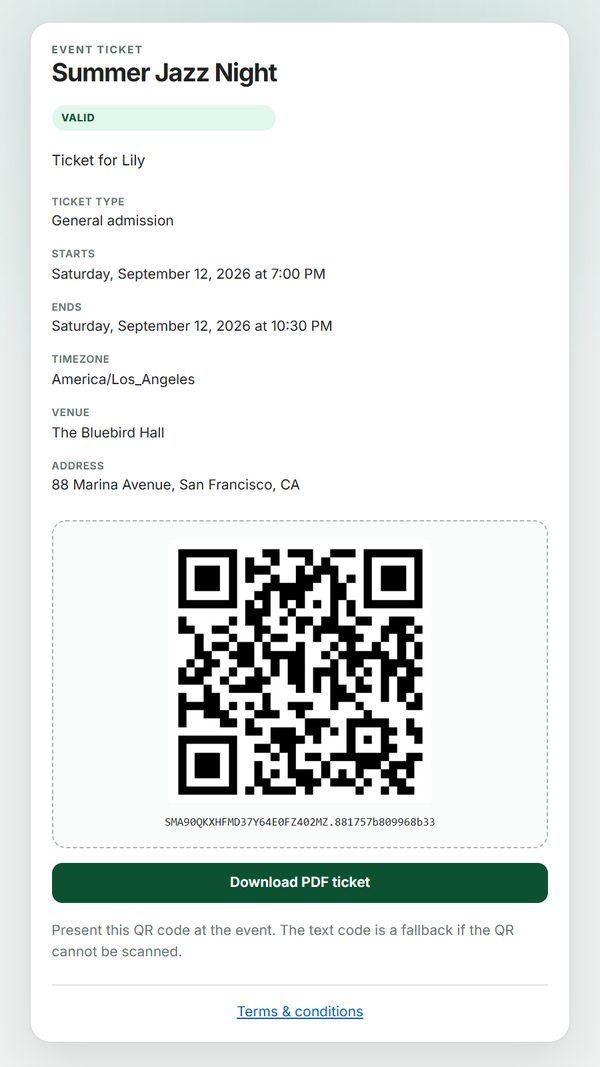
From checkout to the door
Sell event tickets
Each event is a normal Shopify product. Ticket types are variants and capacity is the inventory, so an event cannot oversell.
Send tickets automatically
When an order is paid, each buyer gets a QR ticket email with a PDF and a ticket page. Failed emails retry, and you can resend in one click.
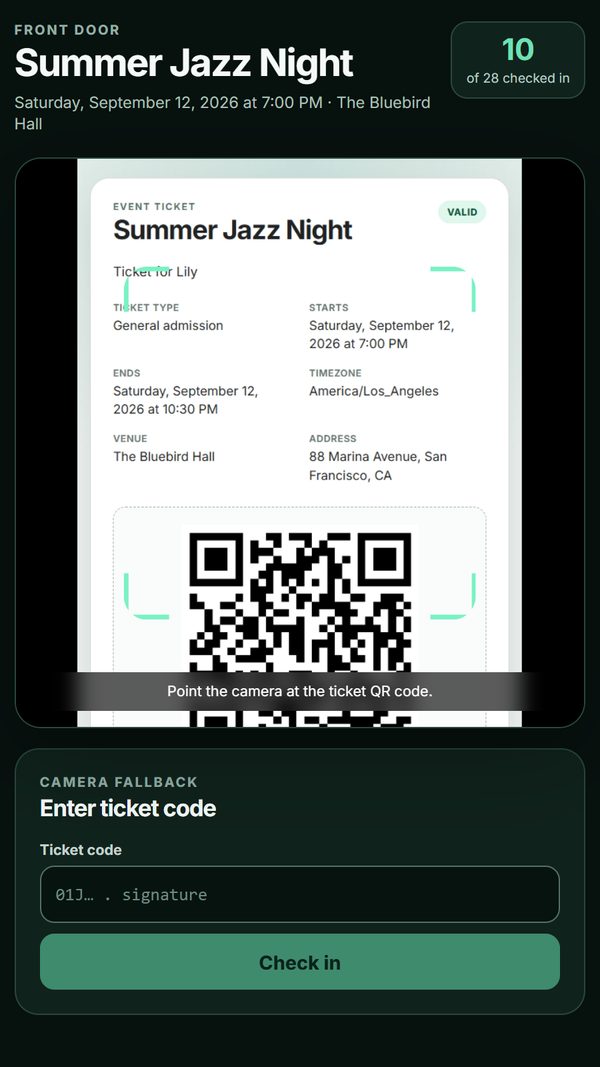
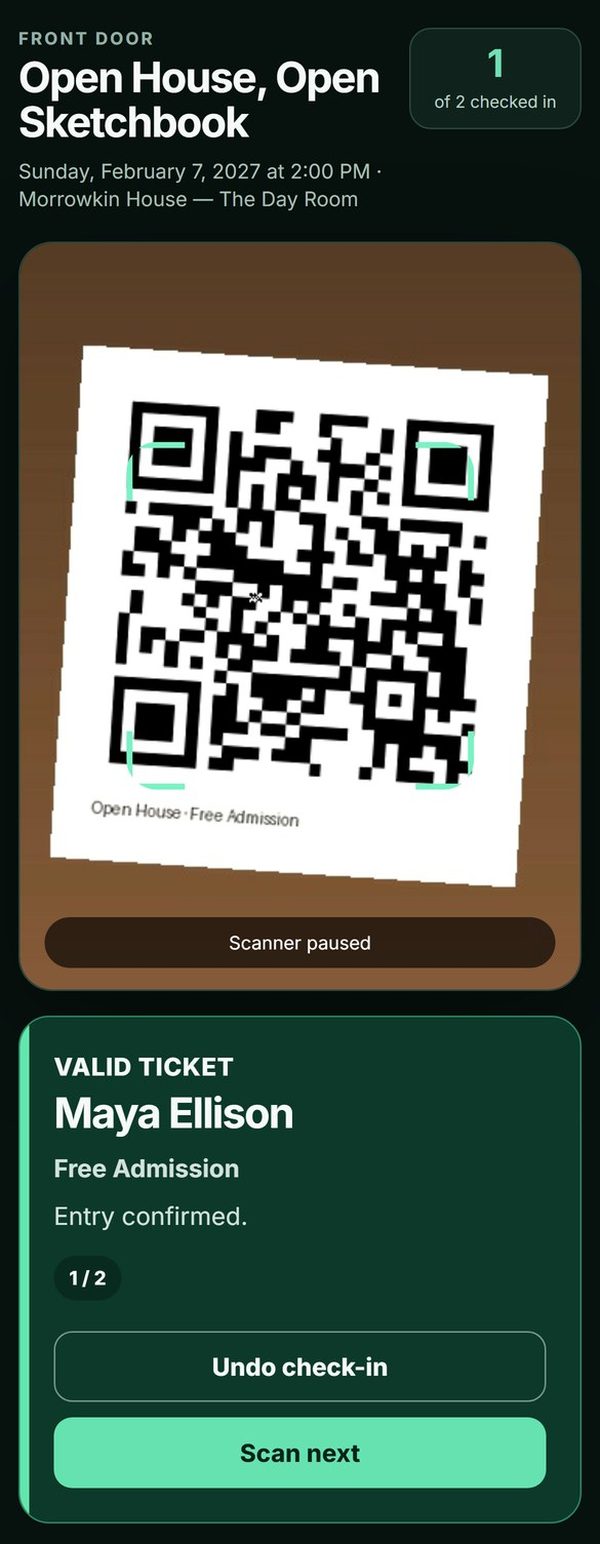
Check in with a phone
Door staff open a private link in any phone browser and scan. No app, no Shopify login, and it keeps working offline.
Recurring classes
Create a weekly class once and get one ticketed date per week. How it works
Waitlists
When an event sells out, collect names and offer freed seats with a deadline. How it works
What your guests and staff see
Need help with EventTix?
Tell us what you are trying to do.
We reply within 1 business day (JST).